JSON Workbench
JSON
Base64
AboutDocumentationPrivacy Policy
Hi Developer!
JSON Workbench

The professional-grade suite for formatting, validating, and comparing JSON and data files. Secure, browser-based, and local-first.

Workbench

  • JSON Formatter
  • Base64 Tool
  • JSON Compare
  • File Compare
  • Folder Compare

Contact

Send FeedbackDocumentationPrivacy Policy
© 2026 / PROT-X / V0.1.0
Processed locally

Documentation

Welcome to the JSON Workbench documentation. Here you'll find everything you need to know about our powerful set of tools.

Quick Links

JSON EditorBase64 Encoder/DecoderJSON CompareFile CompareFolder Compare

JSON Editor

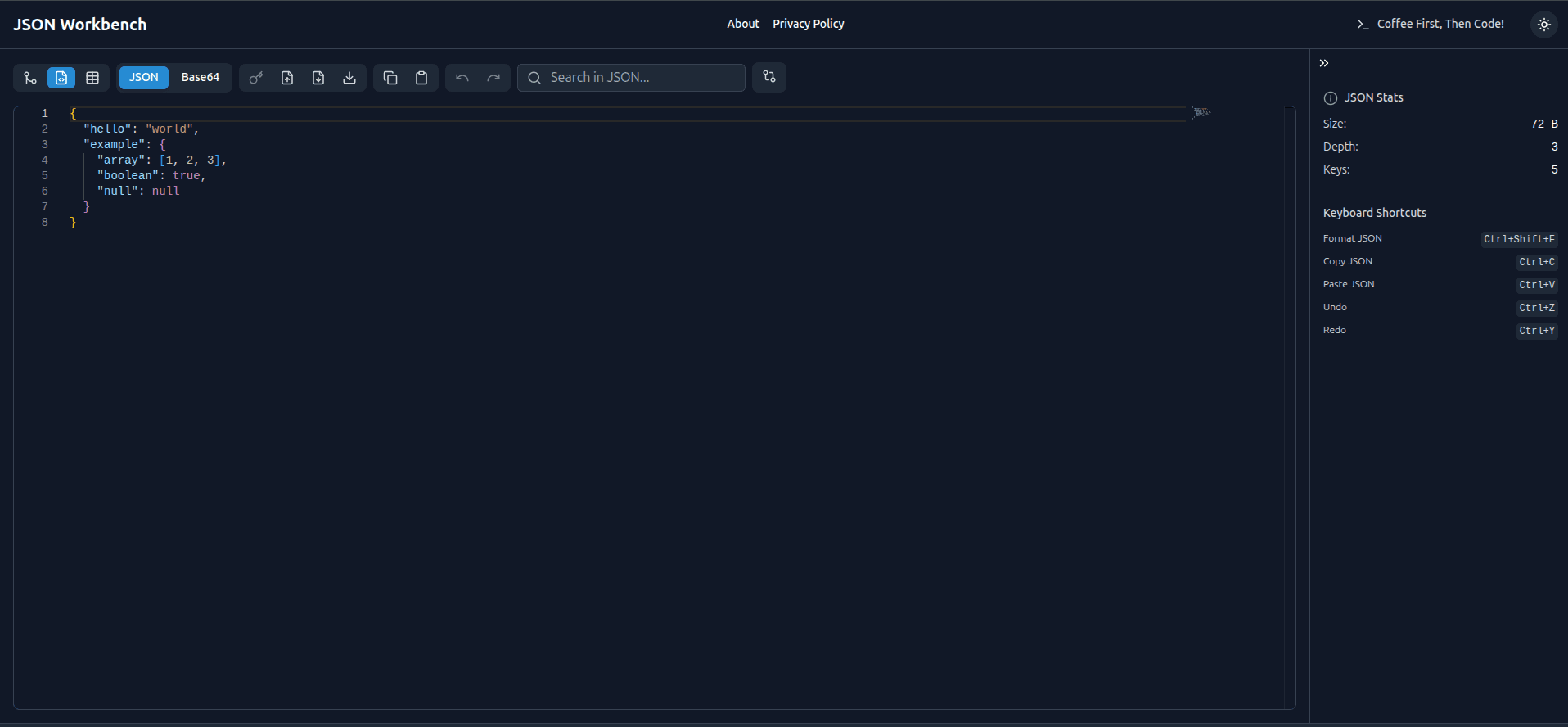
JSON Editor screenshot
A versatile tool for viewing, editing, formatting, and validating your JSON documents. It includes features like tree view, table view, and error highlighting.

Key Features

  • Format JSON
  • Minify JSON
  • Escape JSON
  • Unescape JSON
  • Download JSON
  • Anonymizer (Safe-to-Share)
  • Simple Search
  • Advanced Search
  • Copy to Clipboard
  • Paste from Clipboard
  • Undo Changes
  • Redo Changes
  • Tree View
  • Table View
Go to JSON Editor

Base64 Encoder/Decoder

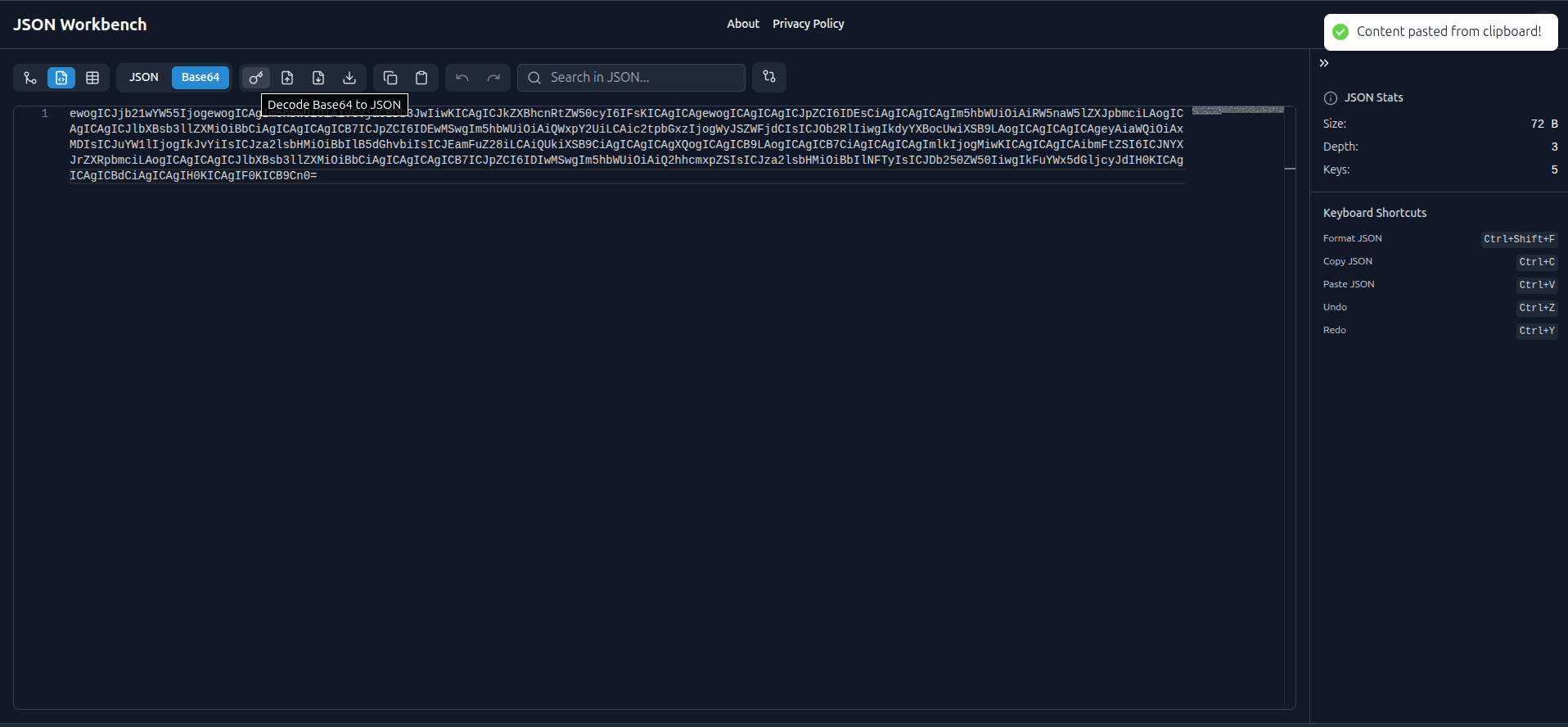
Base64 Encoder/Decoder screenshot
Encode your data into Base64 format or decode Base64 strings back to their original form. Useful for handling data in web applications.

Key Features

  • Encode to Base64
  • Decode from Base64
  • Copy to Clipboard
  • Paste from Clipboard
  • Simple Search
  • Advanced Search with Regex
  • Privacy and Security
  • Use Cases in Web Development
Go to Base64 Tool

JSON Compare

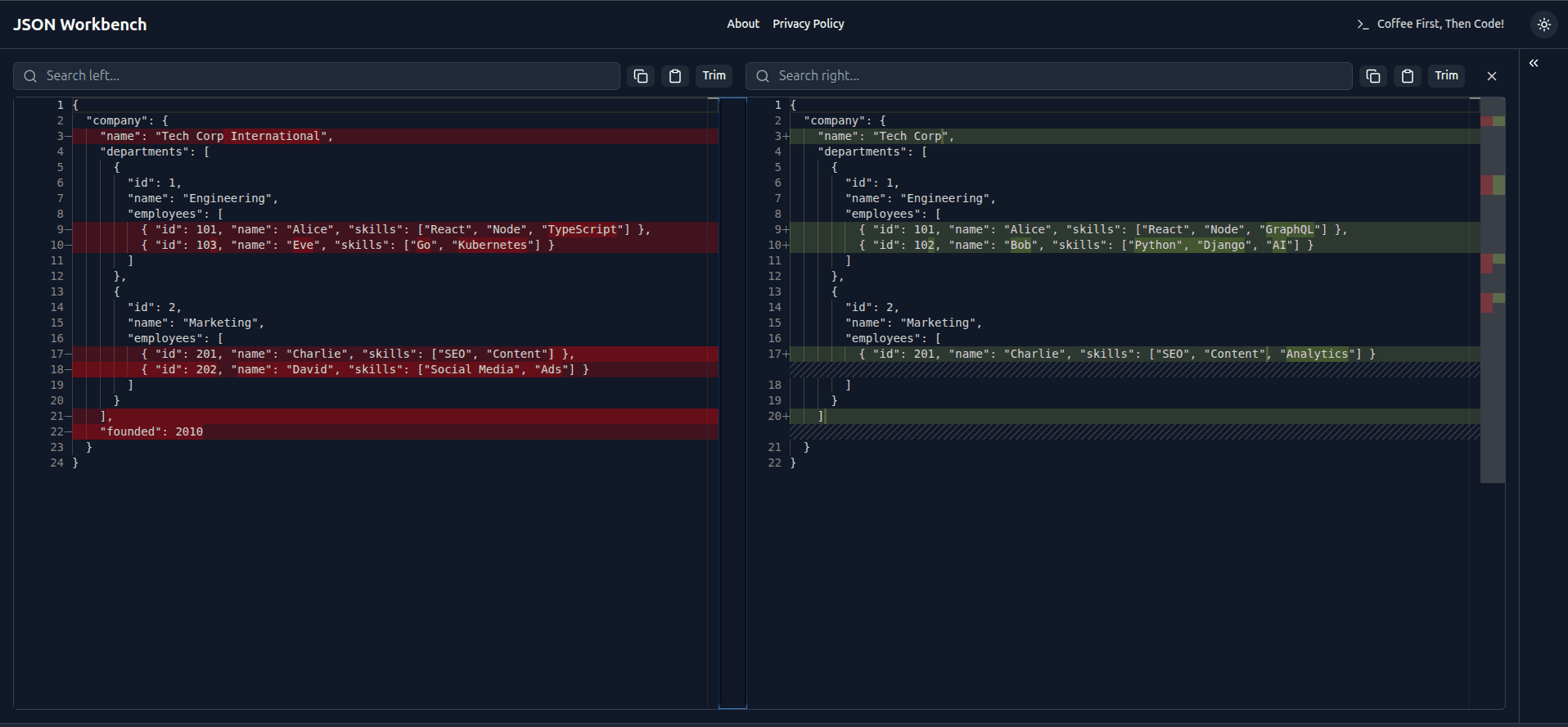
JSON Compare screenshot
Compare two JSON objects side-by-side to identify differences in structure and content. Changes are highlighted for easy review.

Key Features

  • Input Two JSON Objects
  • Drag and Drop
  • Side-by-Side Diff
  • Navigate Differences
  • Simple Search
  • Advanced Search
  • Copy to Clipboard
  • Paste from Clipboard
  • Format JSON
  • Minify JSON
  • Trim Whitespace
  • Clear & Reset Editors
Go to JSON Compare

File Compare

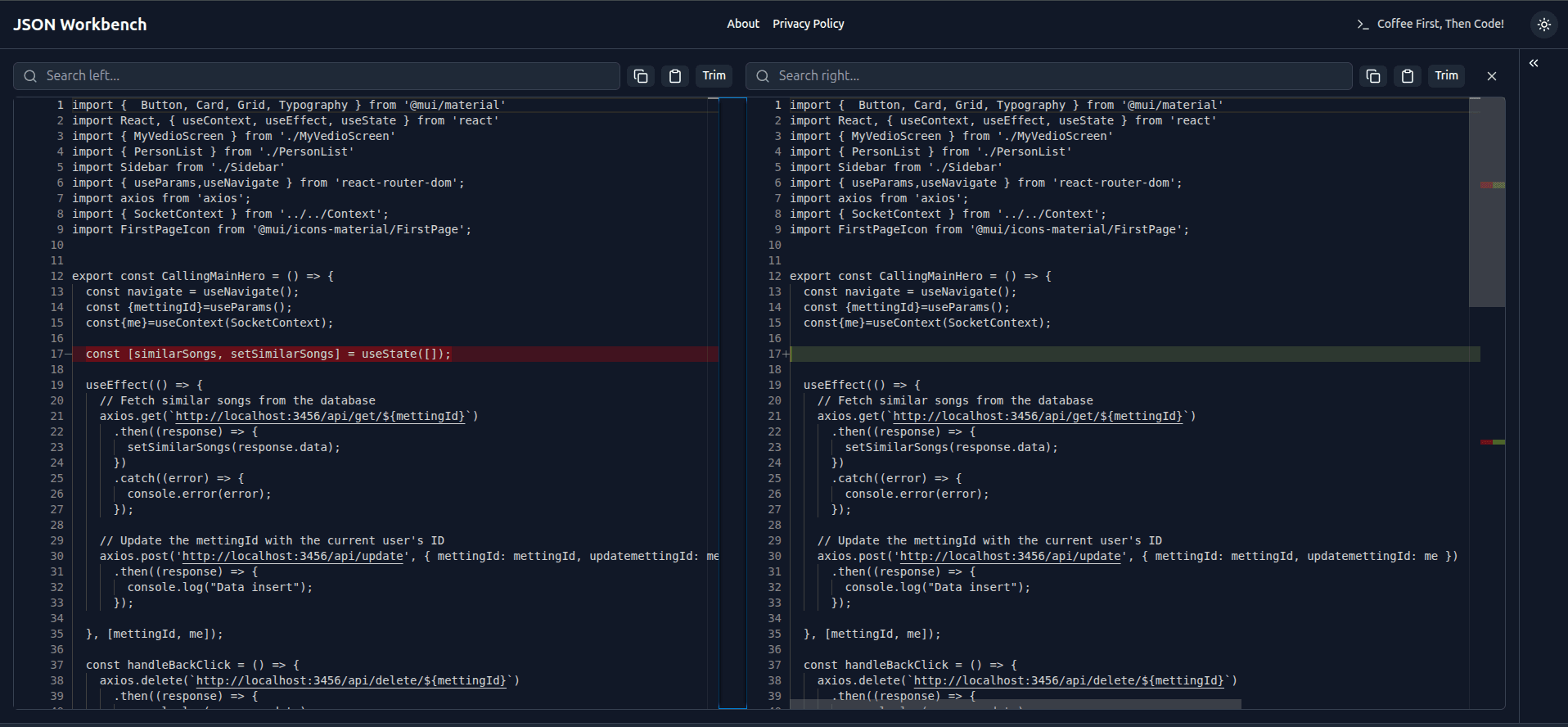
File Compare screenshot
Compare the contents of two text files. This tool highlights additions, deletions, and modifications, making it ideal for reviewing documents or code.

Key Features

  • Input Two Files
  • Drag and Drop
  • Side-by-Side Diff
  • Navigate Differences
  • Simple Search
  • Advanced Search
  • Copy to Clipboard
  • Paste from Clipboard
  • Trim Whitespace
  • Clear & Reset
Go to File Compare

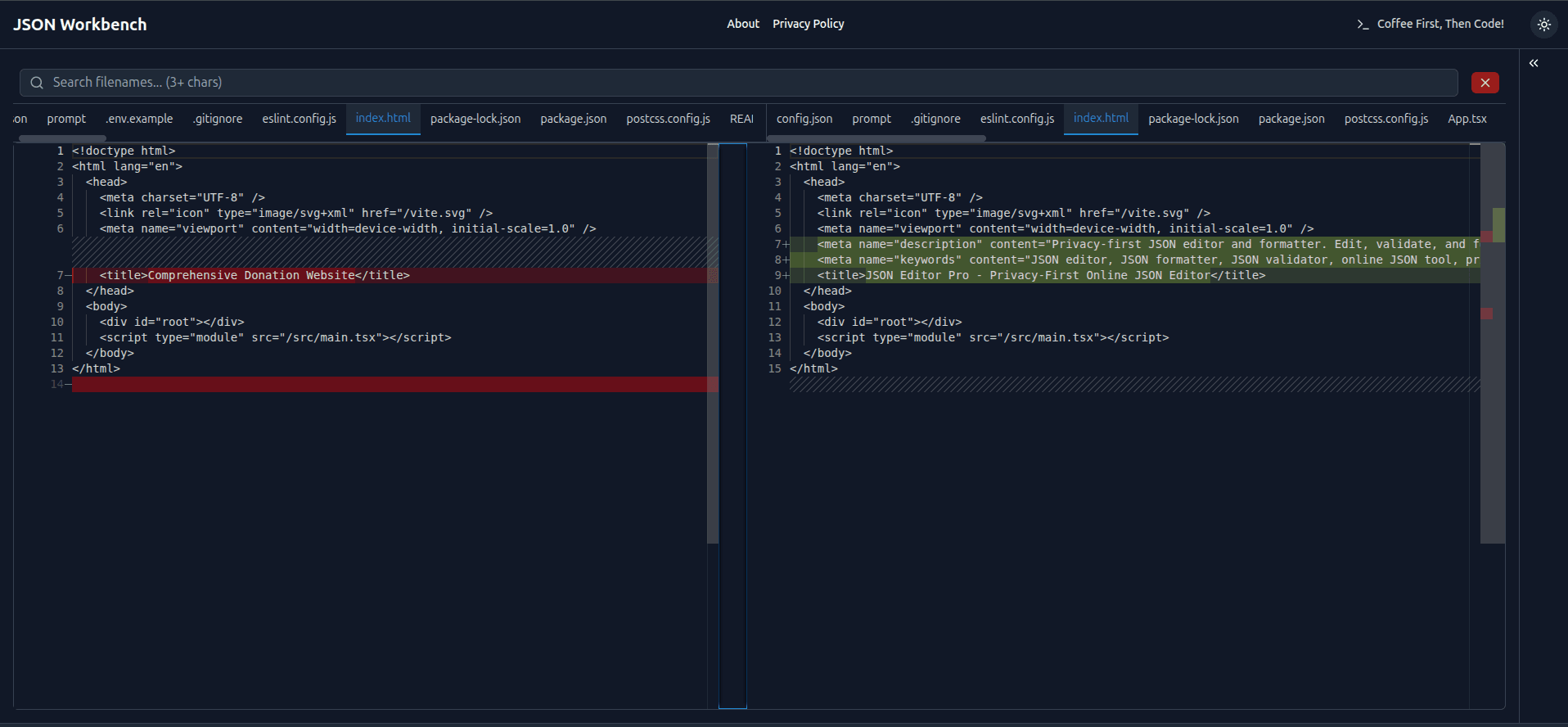
Folder Compare

Folder Compare screenshot
Upload and compare two folders to see the differences in their file and subfolder structures. A powerful utility for project management and version control.

Key Features

  • Upload Two Folders
  • Drag and Drop
  • Side-by-Side Diff
  • Navigate Differences
  • Simple Search
  • Advanced Search
  • Clear & Reset
Go to Folder Compare